Google Search Console Rolls Out 'Platform Properties': Track Your TikTok, Instagram, X, and YouTube Traffic Directly
In today’s digital landscape, content creators, influencers, and brands rely heavily on social media and video platforms to reach their audiences. Often, these creators don’t even own a traditional website, making it difficult to measure how their social content performs on Google Search.

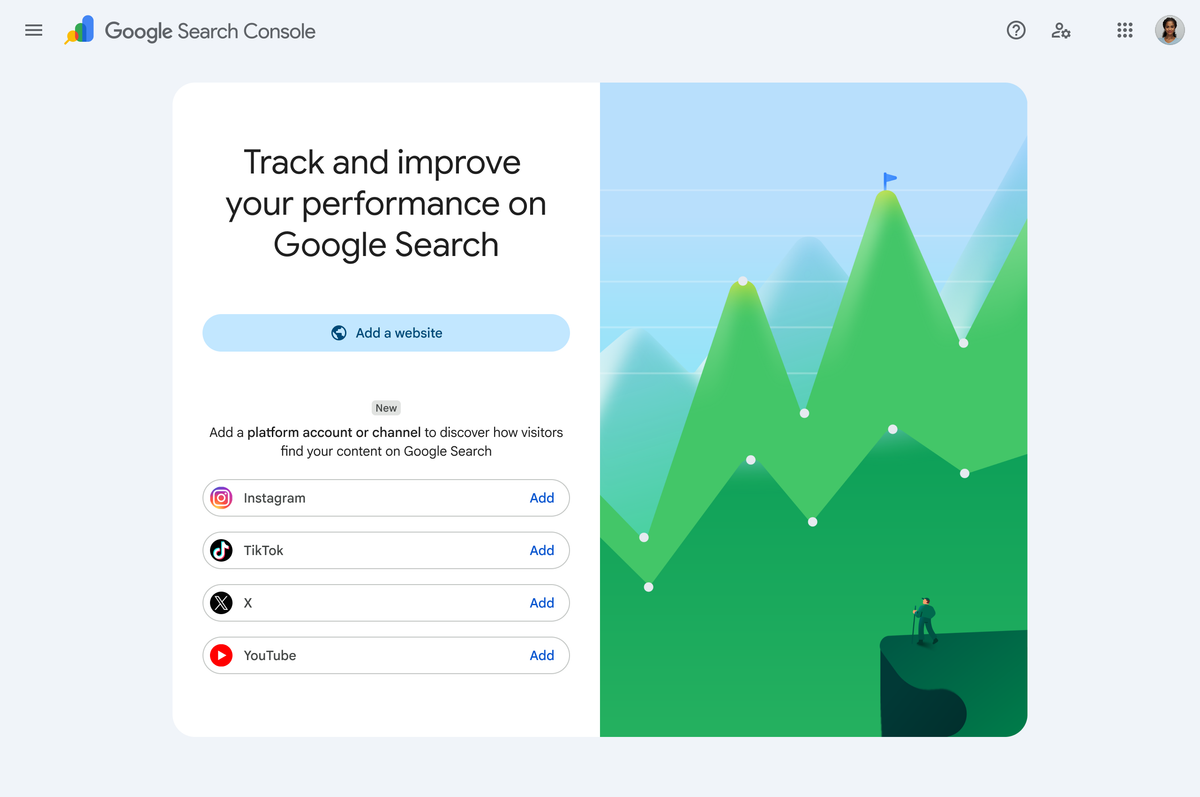
Recognizing this shift toward firsthand perspectives and diverse content formats, Google has officially launched Platform Properties in Search Console. This exciting new feature is designed to give creators and publishers a consolidated, clear view of how their social and video posts are being discovered across Google Search and Discover.
Following a successful experimental phase, creators can now track search performance for four major platforms: Instagram, TikTok, X (formerly Twitter), and YouTube.

What are Platform Properties?
Platform properties are a brand-new property type in Google Search Console. They allow you to bridge the gap between your social media accounts and Google Search, revealing exactly which search terms and queries are leading users to your social media posts.
Once you connect your accounts, you will gain access to three powerful reports:
- The Performance Report: Dive deep into your total clicks, impressions, click-through rates (CTR), and average positions. You can filter and sort this data to identify which specific posts and search queries are driving the majority of your organic traffic. For advanced analysis, this data can be easily exported.
- The Insights Report: Get a high-level, visual overview of your recent traffic trends, see your top-performing posts at a glance, and understand how users are discovering your social handles on Google.
- Achievements: Track your channel's growth and celebrate key milestones, such as hitting new click thresholds from Google Search over the last 28 days.
Supported Platforms
At launch, Google Search Console supports verification for:
- TikTok
- X (Twitter)
- YouTube
How to Add a Platform Property in Google Search Console
Setting up your social media tracking is straightforward. Follow these steps to get started:
- Log into your Google Search Console account.
- Navigate to the Search Console verification page, or click the property selector drop-down menu in the top-left corner and select "Add property."
- Choose your desired platform from the available options (Instagram, TikTok, X, or YouTube).
- Follow the secure, onscreen authorization prompts to verify ownership of your social media account.
Rollout and Feedback
Google is rolling out platform properties gradually to all users over the coming weeks. If you do not see the option in your Search Console account immediately, keep an eye out as it becomes available in your region.
For detailed, step-by-step troubleshooting, you can visit the official Google Search Central Help Center. Google has also invited creators to share their experiences and suggestions using the "Submit feedback" link inside Search Console or by posting in the Google Search Central Community.
For the latest tech updates, SEO tips, and digital marketing news in Pakistan, stay tuned to asli.pk.